Team management
See the squad, the sessions and who can play, without a trail of group chats.


For coaches, clubs and charities
Rugby, football, running, or a charity asking supporters to take on a marathon. FTNS is where you organise the squad, notice who needs a word, and keep the work going when the fixtures stop.
No dashboards for the sake of it. A clear picture of the people, the sessions and the work still to do.
See the squad, the sessions and who can play, without a trail of group chats.
Give people a reason to turn up: shared goals, routes and a bit of friendly recognition.
Notice tiredness, game time and how close the fixtures are before you pick the team.
Keep the habits going when the matches stop, with work that fits each person.
A private note for one player, and a plan for the week ahead, not a speech to the whole group.
Bring supporters together for a marathon or a fun run and help them train without losing anyone.

Team management
Build year groups and teams, invite people with a code, and give coaches, helpers and parents only what they need to see. Players mark whether they can make the session, so you are not guessing on a Thursday night.

Team engagement
Share a route, set a challenge, and let people see the work the rest of the group is putting in. Small rewards keep the quiet weeks moving, and a vote after the match gives the players a say.
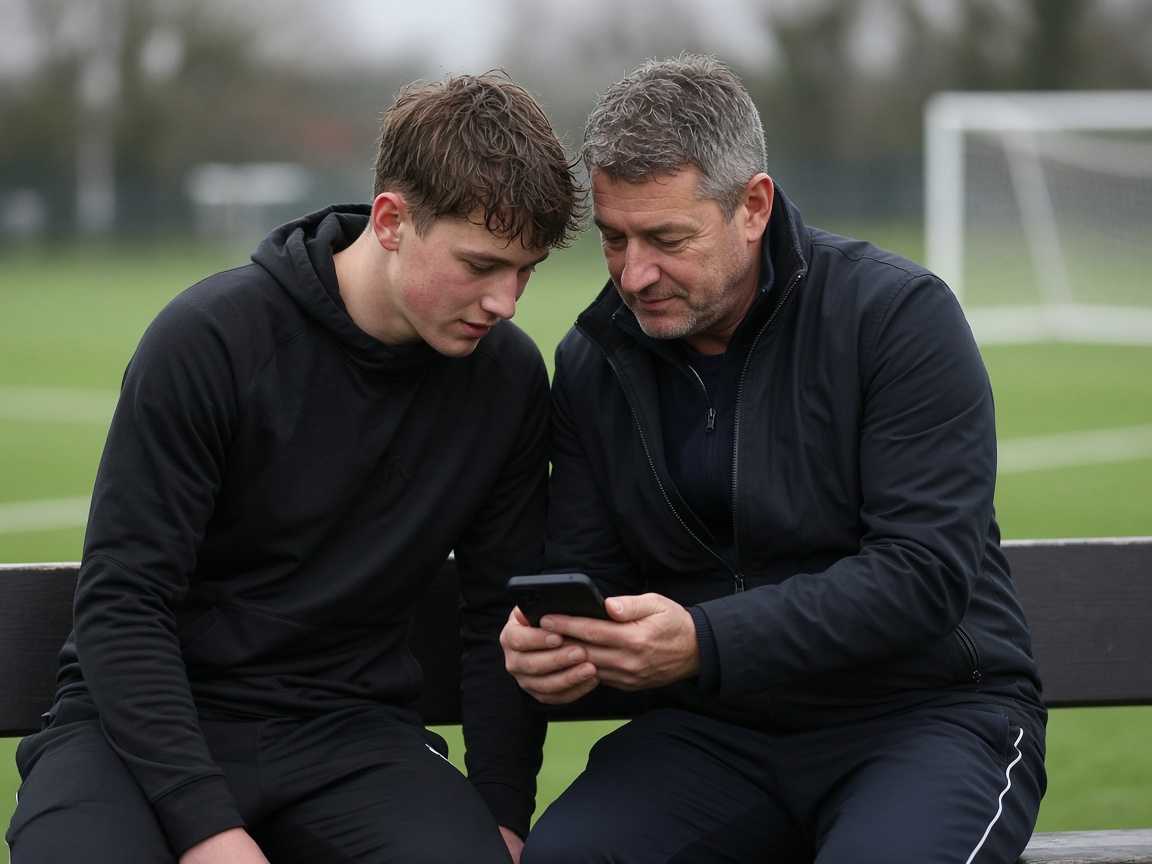
Feedback and fitness plans
Set training for the whole side or for one player. They can tell you, in private, how the session felt. Before the next one they can share how they slept, how tired they are, and any niggles, so the plan meets them where they are.

Off-season
Strength, running and the everyday habits that bring people back fitter. Coaches can see the work that happens away from the club, including minutes played somewhere else, before the fixtures come thick and fast again.

Charities
If your charity asks supporters to run a marathon, a 10k or a relay, FTNS gives them a place to train together. Set the target, share the routes, and keep an eye on who is keeping up, without chasing them one by one.
Register your groupA taste of the map. Sign in to follow a route and see the full story.
Loading routes…
FTNS is a training home for sports clubs and for groups taking on a challenge together. It brings the squad, the sessions, the routes and each person’s plan into one place, on the web and in the app.
Coaches and club helpers in rugby, football, running and other sports, and charities whose supporters train for a marathon, a fun run or a relay.
You need an FTNS account. Your request is checked, and once it is approved you can invite people, set up teams and start the week.
You can download a copy of your FTNS data, or ask us to delete your account, from the FTNS+ app. If you cannot open the app, email us and we will do it for you.
To keep a 30-day chance to change your mind, tap Schedule deletion (30-day grace period) instead. Sign-in stops immediately. We keep the account and the data below for 30 days. Email support@ftnsplus.com from the address on the account before those 30 days end if you want it restored. After 30 days the account is due for deletion and cannot be restored.
If you cannot open the app, email support@ftnsplus.com from the address on the account. Use the subject "Delete my FTNS account". Tell us whether you want the 30-day scheduled deletion or permanent deletion now. We use that email to confirm the request is yours, then we delete the account.
The file contains your account and profile, workouts and routes, food log, and daily steps. It does not contain your password or wearable sign-in tokens. You can also email support@ftnsplus.com with the subject "Export my FTNS data" if you cannot open the app.
Permanent deletion removes this data from FTNS straight away. A scheduled deletion keeps it for 30 days, and it is then due for deletion.
Create an account, register the club, and send the invite. The sign-up and log-in pages are ready when you are.